Just Manager is a free multi-pane file manager built for Windows. If you demand more control and efficiency than the default File Explorer provides, this utility delivers. It focuses entirely on speed and execution, making it a highly practical tool for power users and system administrators.
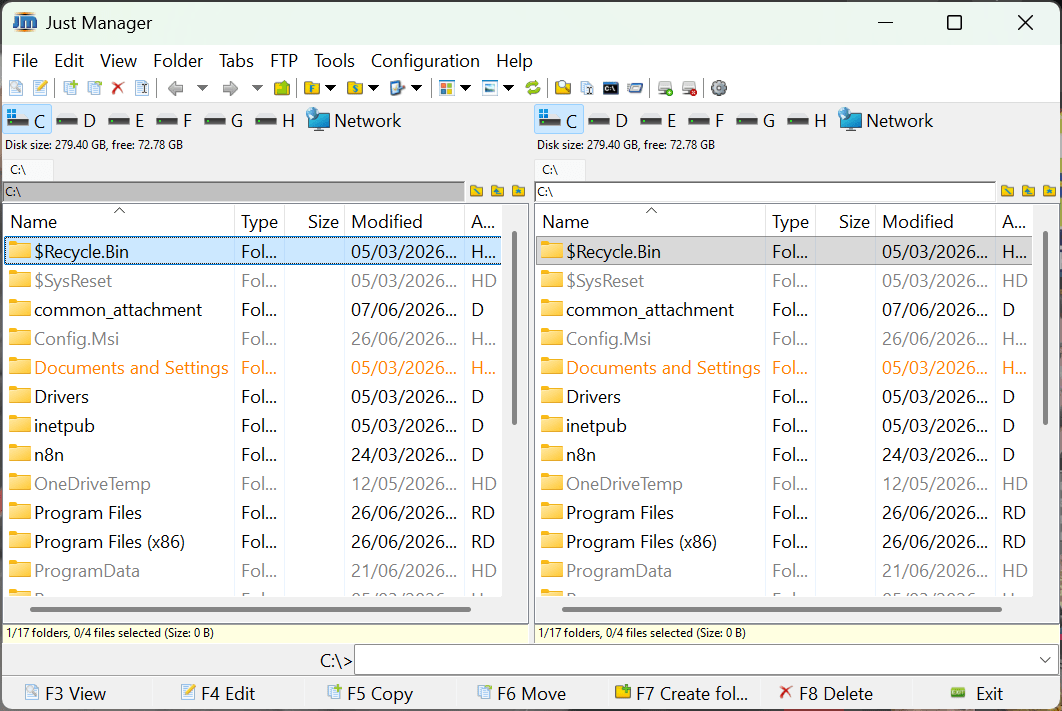
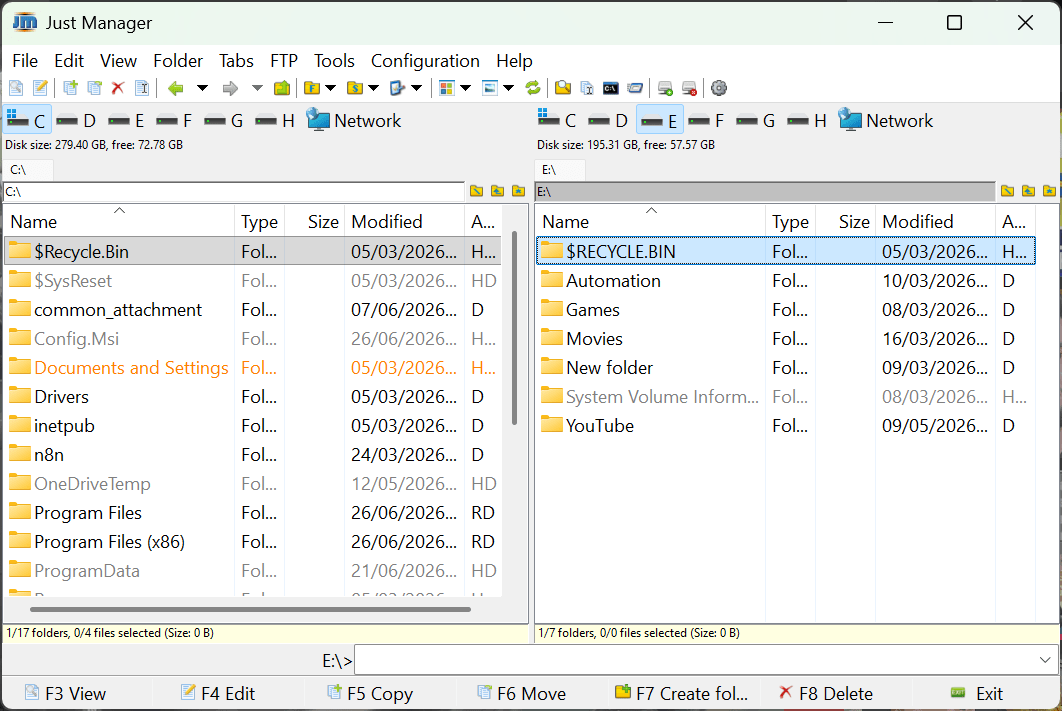
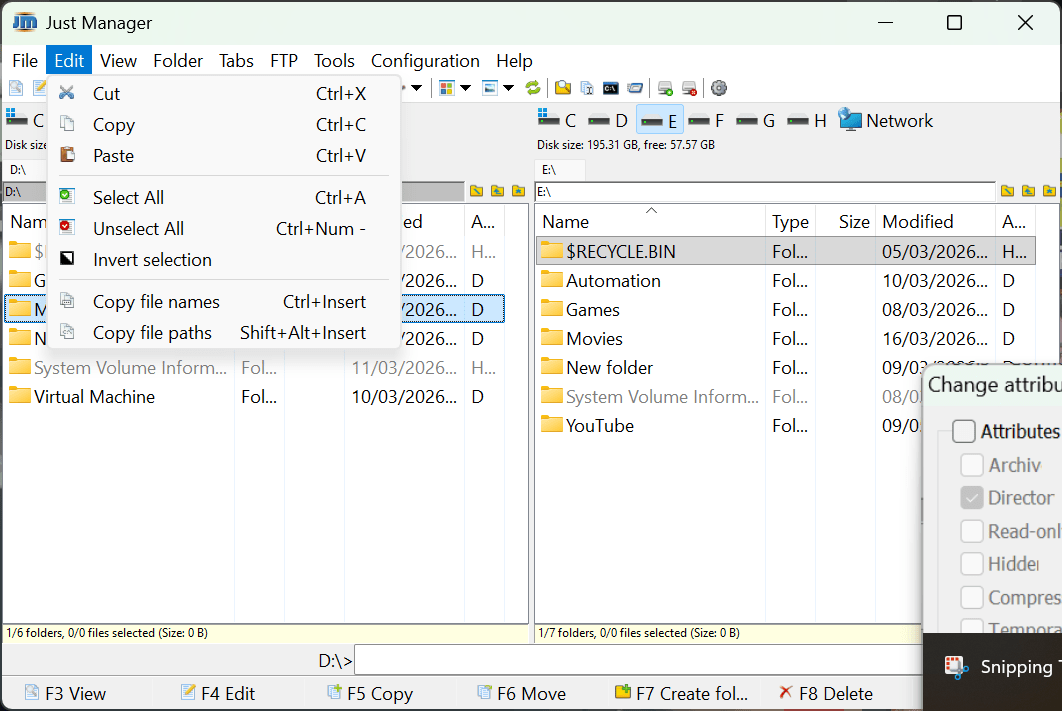
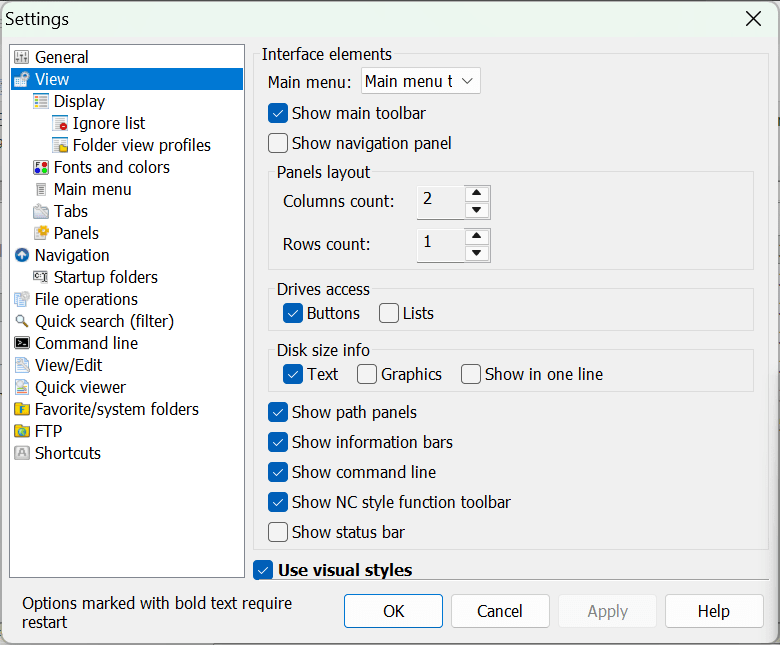
The application defaults to a classic twin-panel layout, but you can expand this to manage up to 16 different directories side by side. This setup simplifies folder comparisons and dramatically speeds up file copying and moving. Despite its advanced capabilities, the interface remains straightforward.
Multi-pane file management and workflow efficiency
The core strength of Just Manager is its multi-pane interface. You can drag and drop files between open directories, compare folder contents, and execute batch operations without opening multiple overlapping windows. This layout proves especially effective for:
- Organizing large file collections
- Moving project folders between drives
- Comparing backup directories
- Managing system files or development assets
By keeping your source and destination targets visible at all times, the side-by-side layout cuts down the clicks required for common file operations, easily outperforming a standard file explorer.
Customization and usability
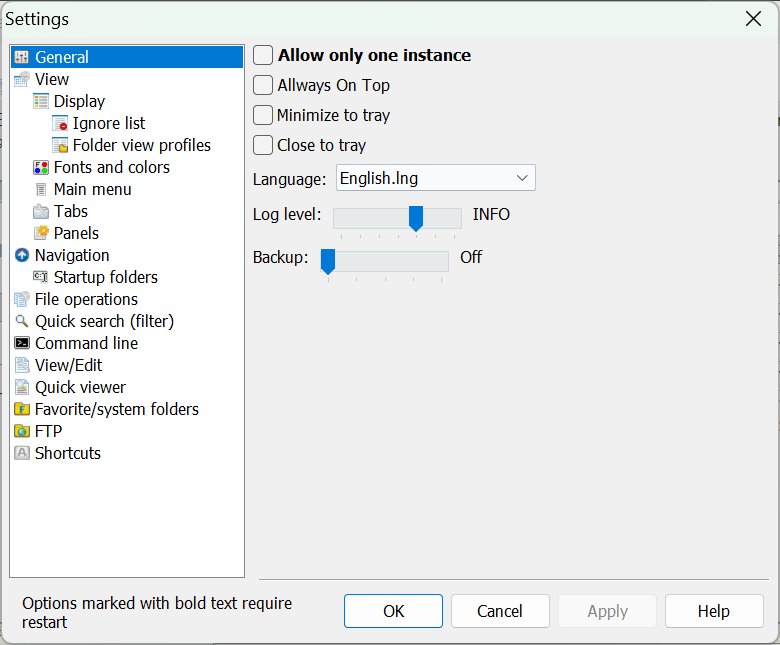
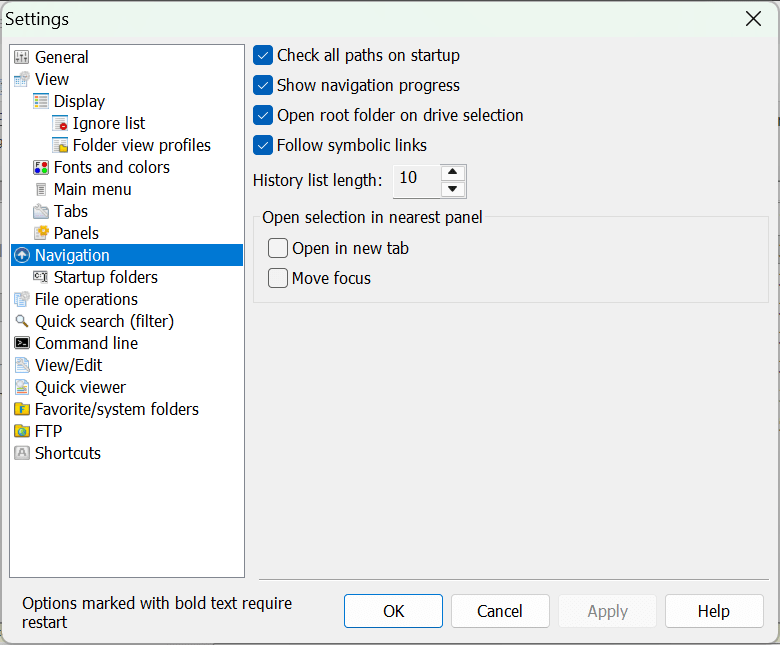
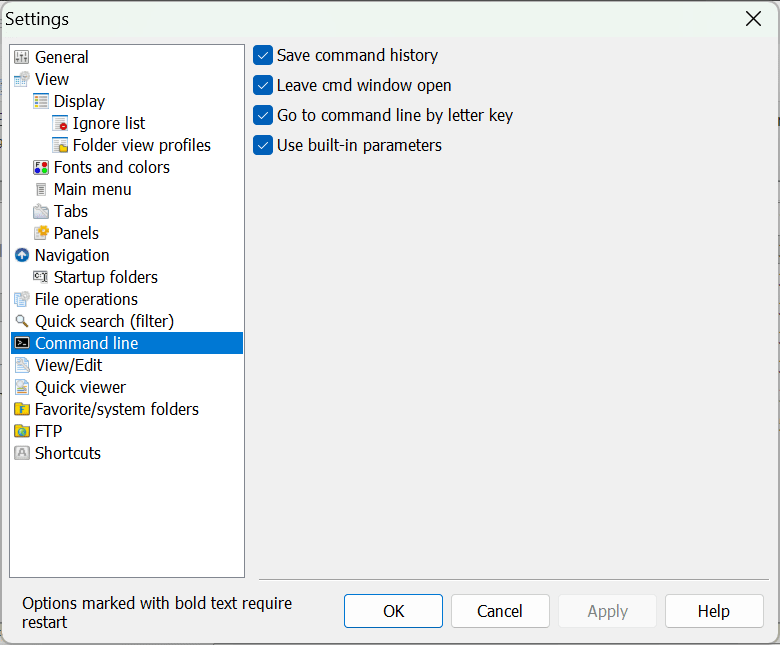
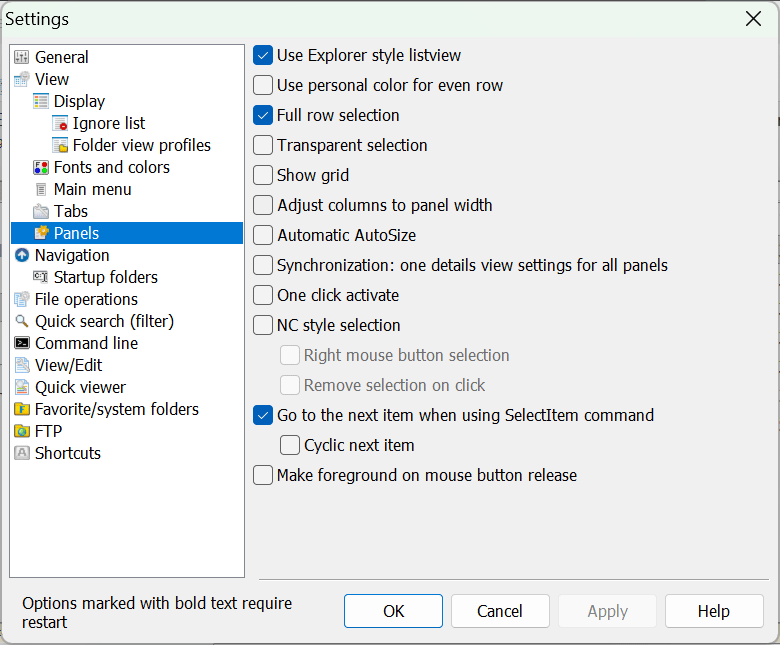
Just Manager offers a depth of customization rarely found in default operating system tools. You can adjust the visual layout, define custom keyboard shortcuts, and tweak interface preferences. This lets you build a workflow tailored to your specific habits, which is a major advantage if you rely on keyboard shortcuts for rapid navigation.
While the interface feels visually dated compared to modern Windows applications, the design prioritizes raw efficiency over flashy aesthetics.
File operations and advanced tools
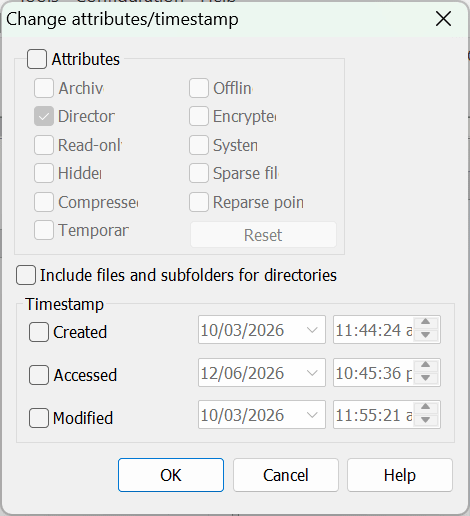
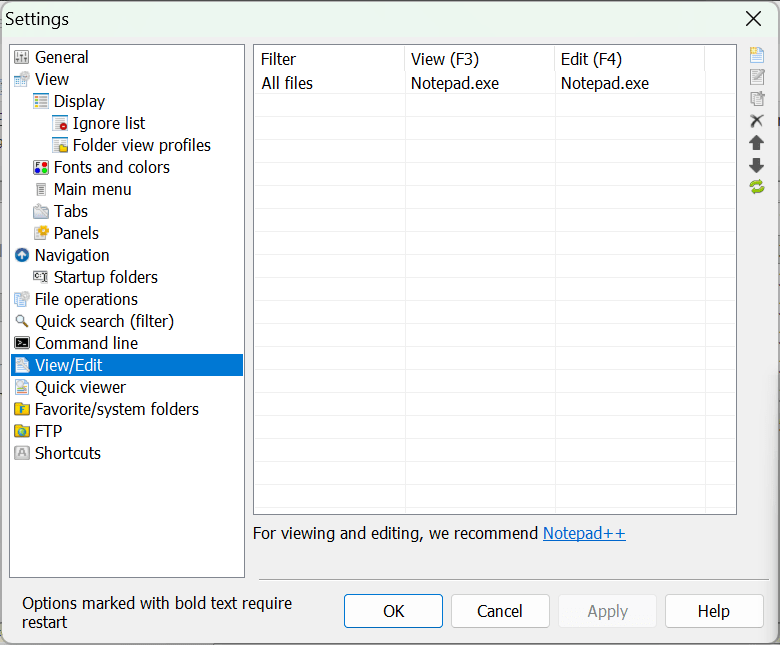
The utility packs a range of tools that push beyond basic file management. You can perform batch renaming, apply complex file filters, and modify detailed attributes. It also features a built-in FTP client, an advanced file search engine, and tabbed browsing to handle multiple directories within a single pane.
Performance and pricing
Just Manager is a lightweight application that runs smoothly without taxing your system resources. It handles massive directories and heavy data transfers without significant slowdowns, operating as a dedicated utility rather than a bloated software suite.
The software operates on a completely free licensing model. However, because developers occasionally introduce premium tiers or new versions, you should check the official website, as the final cost depends on the tier chosen or active promotions.
A practical upgrade for Windows file management
If you find the default Windows file manager too restrictive, Just Manager offers a highly structured, efficient alternative. For anyone whose daily routine involves heavy file organization, server management, or directory comparisons, this lightweight tool is a fantastic addition to your desktop.